

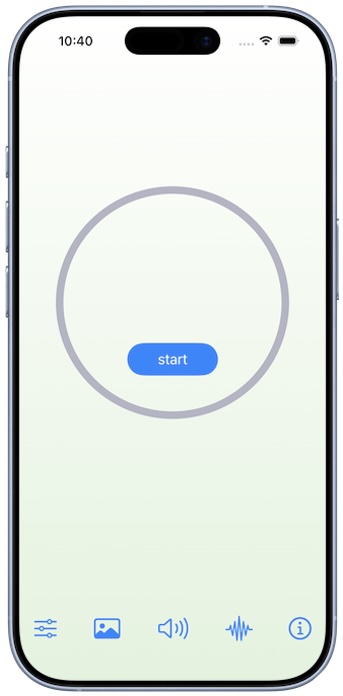
Press "start" to begin your breathing practice.
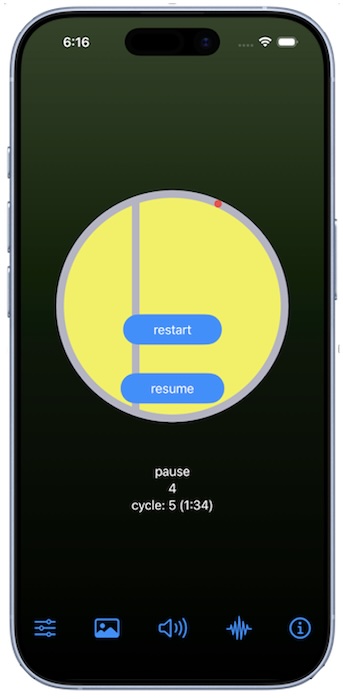
A visual meter will guide you through one or more cycles of inhaling, pausing (if configured), exhaling, and pausing (if configured) as shown in the diagram below.
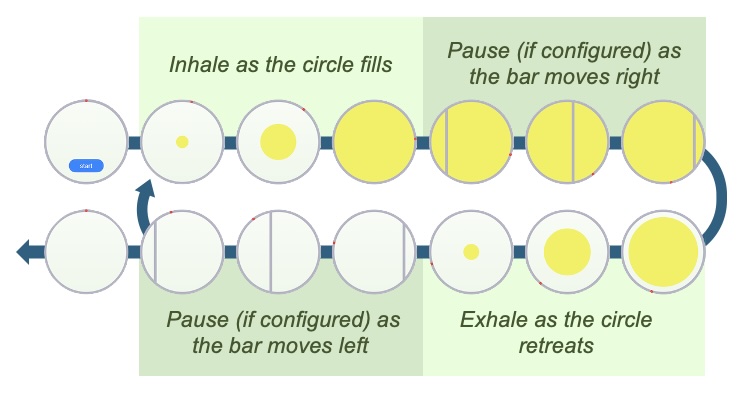
A red dot will make one revolution around the permitter of the visual meter during your breathing sequence.
Audio and vibrational cues can also be enabled to guide you through your breathing sequence.
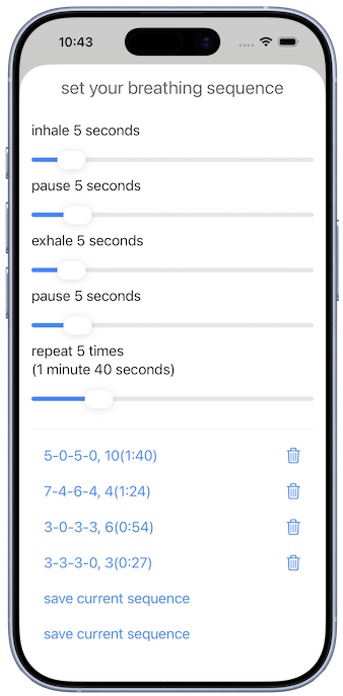
Configure your breathing sequence.
Save and load presets of your sequences.
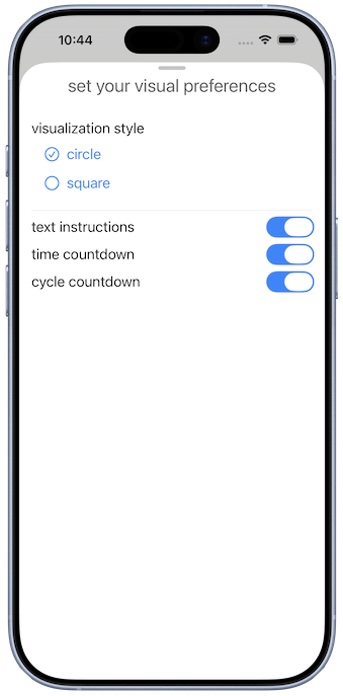
Configure your visual preferences.
Choose between circle and square visualization styles.
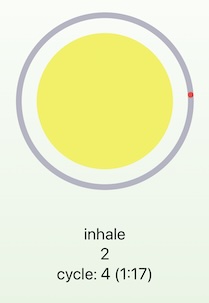
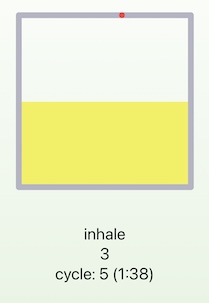
Select information displayed below the visual meter.
- Instructions to inhale, exhale, or pause
- Timer countdown for each instruction and for the entire sequence.
- Number of cycles remaining
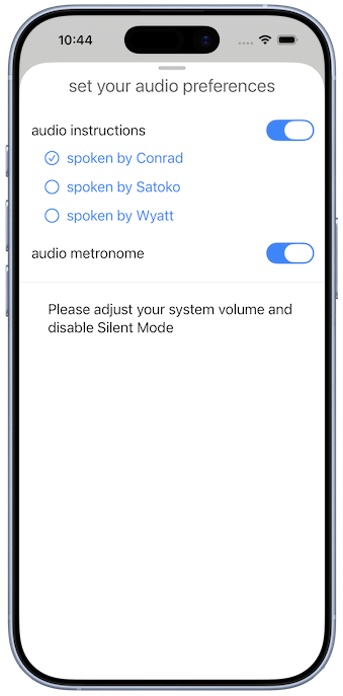
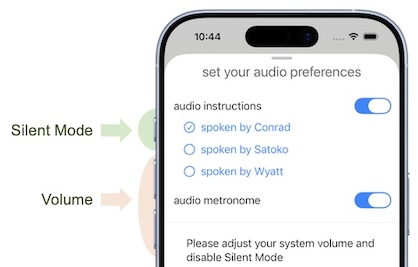
Configure your audio preferences.
Enable audio instructions for inhaling, exhaling, pausing, and ending the sequence.
Enable audio metronome to play a beat every second.
Be sure to adjust your volume.
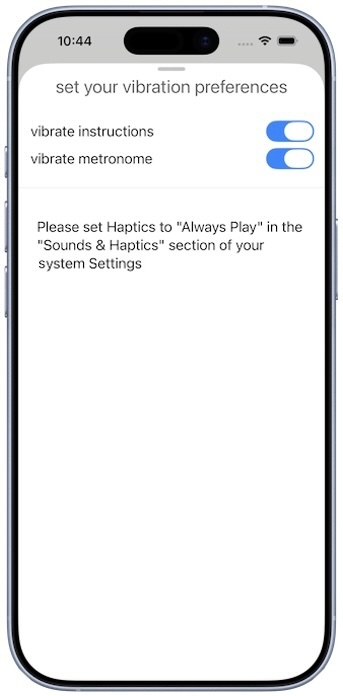
Configure your vibration preferences.
Enable a short vibration at the start of each inhale, exhale, and pause, and a long vibration at the conclusion of the sequence.
Enable a tactile metronome to vibrate every second.
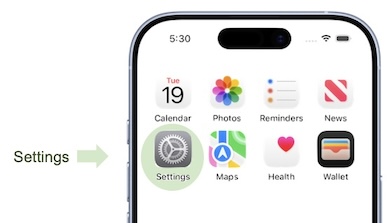
Be sure to set Haptics to Always Play in the Sounds & Haptics section of your iPhone or iPad system Settings.
Configure light/dark mode and text size.
Switch between light and dark modes and adjust the text size by using the standard options provided in the Display & Brightness section of your iPhone or iPad system Settings.