

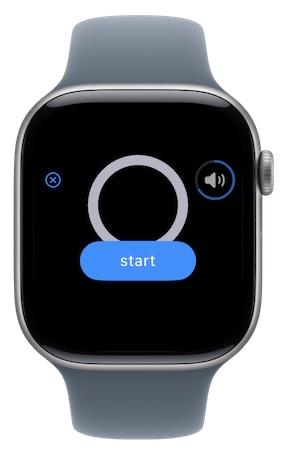
Press "start" to begin your breathing practice.
The same visual meter from your iPhone will guide you through your breathing sequence.
The screen will turn off after a short period of time to preserve your battery. When turned off, you can touch the screen to make the meter reappear.
Use audio or vibrational cues instead of the visual meter to save your battery.
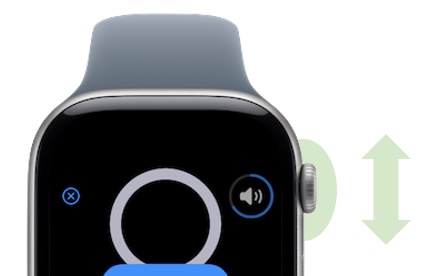
Rotate the Watch dial to adjust the volume of your audio cues.
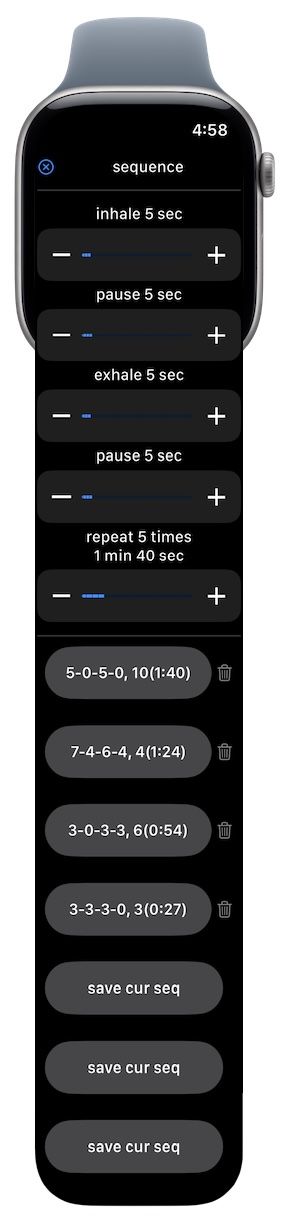
Configure your breathing sequence.
Scroll up and down to access all your breathing settings.
Save and load presets of your sequences.
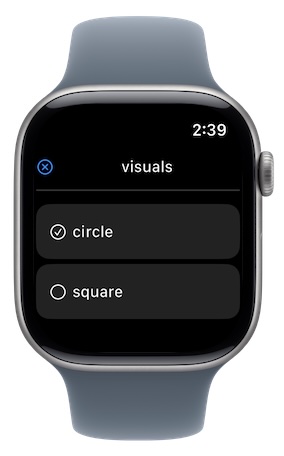
Configure your visual preferences.
Choose between circle and square visualization styles.
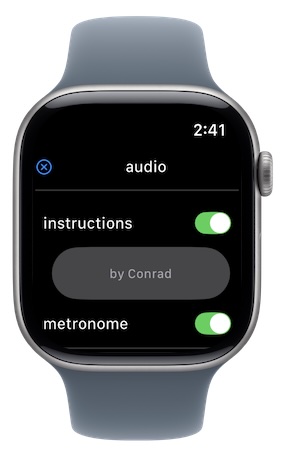
Configure your audio preferences.
Enable audio instructions for inhaling, exhaling, pausing, and ending the sequence.
Enable audio metronome to play a beat every second.
Be sure to turn off Silent Mode in the Sounds & Haptics section of your Watch system Settings.
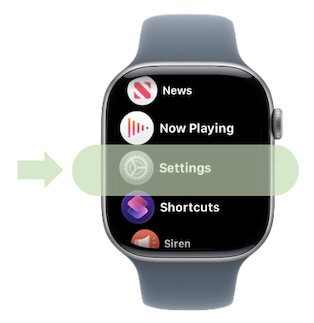
Rotate the Watch dial (when displaying the visual meter) to adjust the volume of your audio cues.
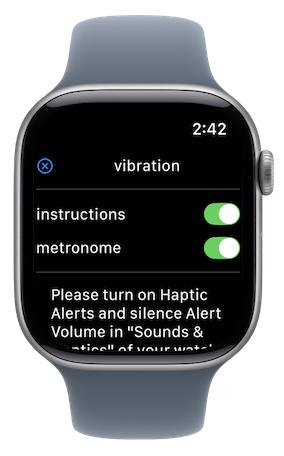
Configure your vibration preferences.
Enable a short vibration at the start of each inhale, exhale, and pause, and a long vibration at the conclusion of the sequence.
Enable a tactile metronome to vibrate every second.
Be sure turn on Haptic Alerts and silence Alert Volume in the Sounds & Haptics section of your Watch system Settings.